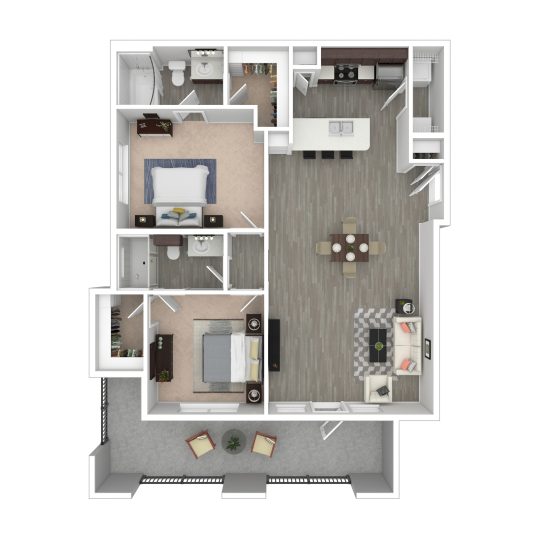
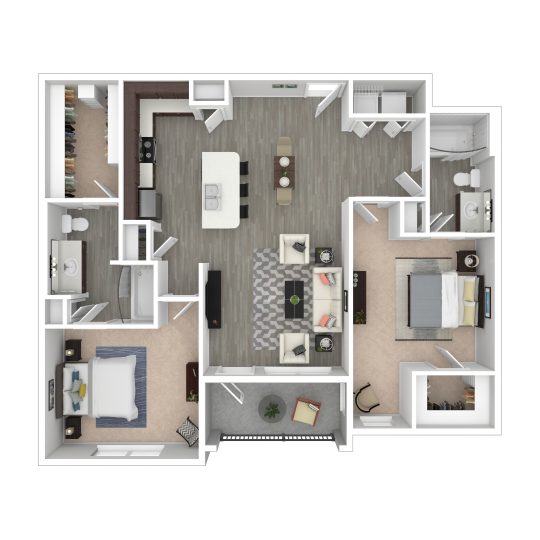
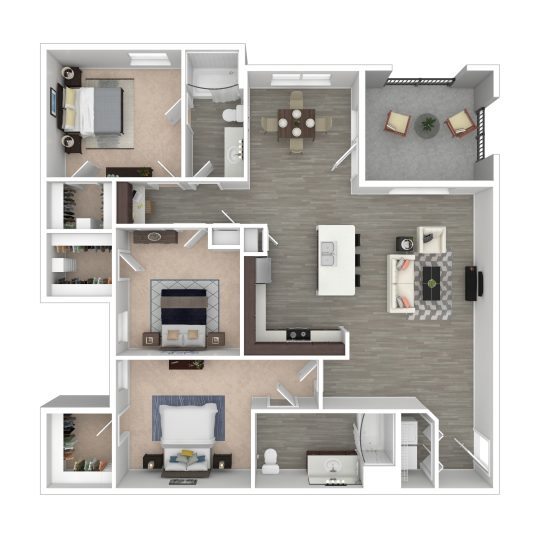
Landmark at Crowley is pre-wired for AT&T, and the community’s published resident information says AT&T is the internet and cable provider that services the property. In practical terms, that means your internet setup starts with confirming service for your exact apartment and arranging activation with AT&T, rather than comparison shopping among multiple in-building providers.
For renters researching Landmark at Crowley internet setup with AT&T in Crowley TX, the key question is less whether AT&T is available and more how to make move-in go smoothly. Because utilities are billed separately from rent, internet service should be treated as its own setup step alongside electricity and water.
How AT&T setup usually works in an apartment community like this
When a community is pre-wired for one provider, the first thing to verify is the specific service status of your unit. AT&T commonly serves apartments through existing wiring already installed in the building, but available speed tiers, equipment needs, and whether a technician visit is required can vary by address and even by unit number. The most reliable way to check is to use the exact apartment address and unit number when you contact AT&T or search service availability on AT&T’s website.
It is also important to separate three different questions that renters often combine. First, is the building wired for the provider? Second, is service active or easily activated for your unit? Third, what plan options are actually offered at that address? A property being pre-wired for AT&T answers the first question, but you should still confirm the second and third before move-in so you know whether you are ordering a self-install kit, scheduling a technician, or selecting from more than one internet speed.
If you work from home, stream heavily, game online, or have multiple people using video calls at once, do not assume that all AT&T service is identical across the metro area. In many apartment searches, renters hear “AT&T available” and infer a specific technology or performance level. The better approach is to ask AT&T for the exact plans offered for your apartment, including upload speeds, equipment details, contract terms if any, and whether unlimited data is included on the plan you are considering.
Timing matters as much as availability. Landmark at Crowley’s move-in FAQ says keys are picked up starting at 11:00 a.m. on move-in day during office hours, and move-ins are completed in person. If you need internet on the first day for work, school, or security devices, it helps to coordinate your AT&T activation around your confirmed move-in date so you are not waiting until after you have your keys to begin the process.
What to verify before move-in so you avoid delays
Start with the exact service address, including your apartment number, and confirm that AT&T recognizes it correctly. Address mismatches are a common source of apartment setup delays, especially in newer or larger communities where building numbers, unit numbers, and postal formatting may appear differently across leasing documents, carrier databases, and online ordering systems. Verifying the formatting early can save you from appointment reschedules.
Next, ask whether your apartment can be activated with self-install or whether a technician must enter the unit. That affects scheduling, time off work, and how quickly you can get online after move-in. If a technician visit is required, confirm the appointment window directly with AT&T and make sure you will already have possession of the apartment, since the community does not offer contactless move-in and keys are issued in person.
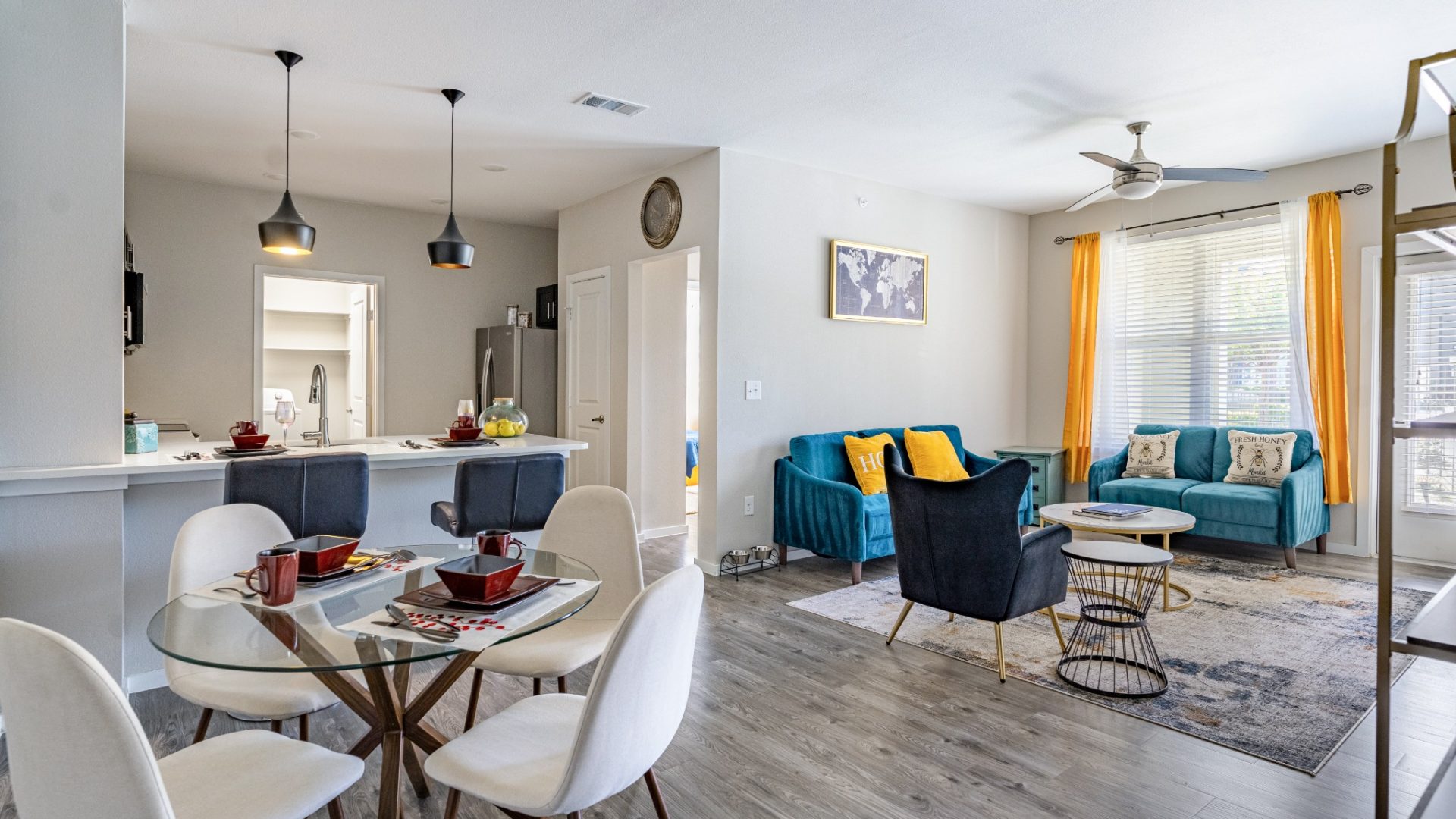
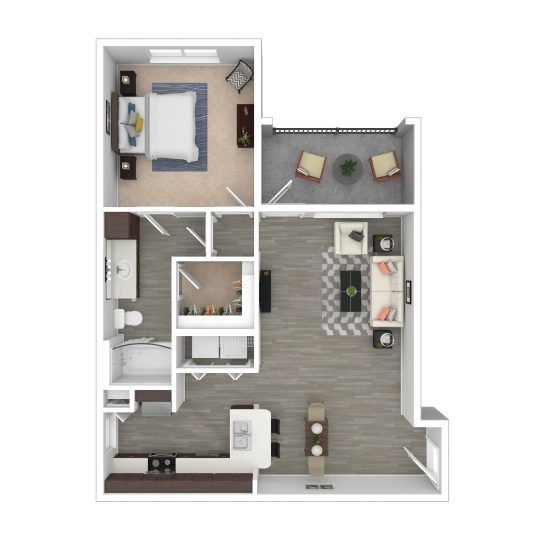
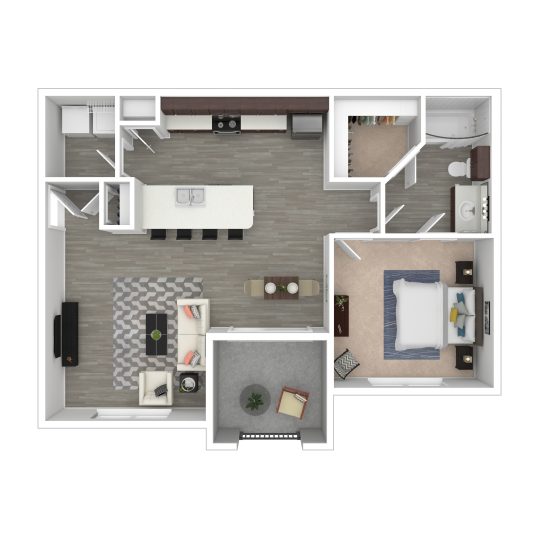
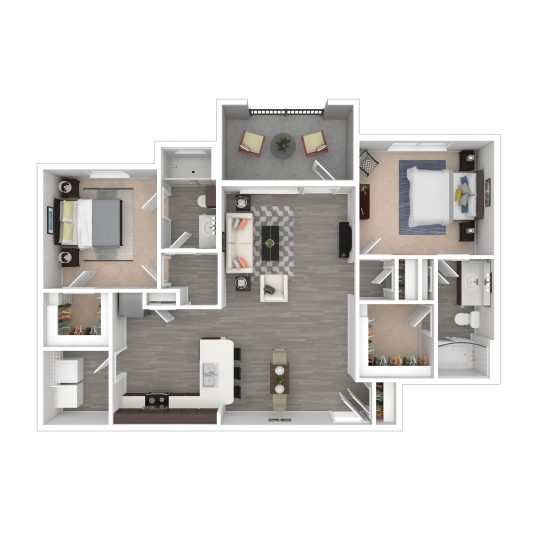
You should also ask what equipment is included and where it should be placed. In an apartment, router placement can affect Wi-Fi quality more than renters expect, particularly if you plan to cover bedrooms, a home office corner, or a patio area from a single gateway. Landmark at Crowley offers floor plans ranging from one-bedroom layouts to larger two- and three-bedroom homes, so the best equipment setup may differ depending on how much square footage you are trying to cover and where you expect to work or stream most often.
If your internet needs are tied to remote work, it is worth planning around the community’s on-site features too. Landmark at Crowley has a business center, which may be helpful as a backup place to sit during the first day or two after move-in if your in-home connection is not live yet. That is not a substitute for verifying your AT&T activation, but it can reduce stress if you need a short-term contingency while your home service is being finalized.
How this affects day-to-day living at Landmark at Crowley
The biggest practical implication is choice. The community’s published information says AT&T only services the property for internet and cable, so your decision is likely to be about which AT&T plan fits your household rather than which provider to bring in. For some renters, that simplicity is helpful because it narrows the setup process. For others, it is a trade-off because it reduces the ability to compare in-building providers on price, speed, or equipment style.
Because utilities are billed separately from rent, internet cost should be evaluated as part of your total monthly housing budget rather than assumed to be included. That is especially relevant if your household depends on stronger internet service for work-from-home use, streaming on multiple devices, or smart-home equipment. Ask AT&T for the full monthly quote, including equipment charges and any promotional period limits, so you can compare the real ongoing cost rather than just the introductory rate.
Apartment layout can also shape your setup decision. Larger floor plans, such as two-bedroom and three-bedroom homes, may call for more attention to router location, device load, and whether you need whole-home Wi-Fi support. If you are touring a specific apartment, a practical question to ask AT&T is whether the existing connection point in that unit is likely to place your gateway in a spot that works for your routine, especially if one room will double as an office.
A good final step is to line up the provider call with your leasing timeline, not after it. Once you know your unit number and move-in date, confirm AT&T availability, activation method, equipment, and first-bill expectations, then confirm with the leasing team if you need any apartment access coordination during office hours. That gives you the clearest picture of what to expect without overcomplicating the process.
If you are deciding whether Landmark at Crowley fits your internet needs, the most useful next step is simple: ask for your exact unit number, then check AT&T service availability for that specific apartment before you finalize move-in planning.